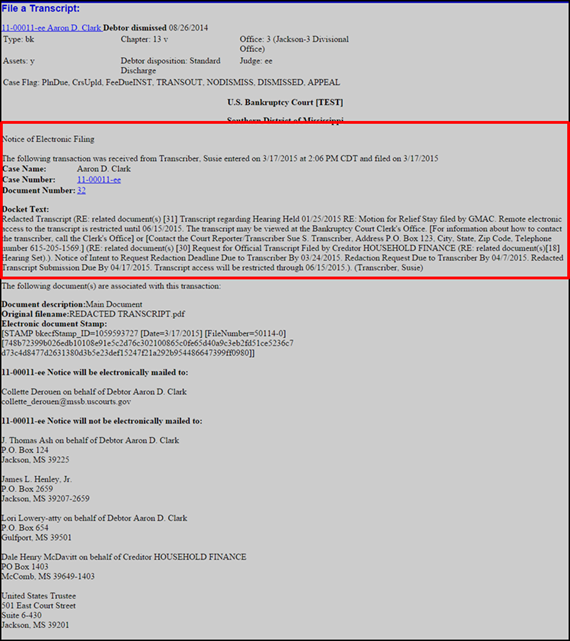
Filing Redacted Transcript
Rev. 02/29/2024
|
The system calculates the restriction and redaction deadlines based on the transcript file date. During the 90-day restriction period, a redacted transcript is only available at the public terminals in the clerk's office. An attorney or party who purchases a redacted transcript from the court reporter or transcriber may file a request for remote electronic access with the clerk. See: Access to Transcript. After the 90-day restriction period expires:
|
Transcript Deadlines |
|
| Days | |
|
7 |
Attorney or pro-se party informs the court of intent to request transcript redaction. See: Notice of Intent to Request Transcript Redaction. |
|
21* |
The party requesting redaction submits a statement to the court reporter or transcriber indicating where the personal data identifiers to be redacted appear in the transcript. During the 21 days, an attorney may move the court for additional redactions to the transcript. The transcript will not be available online until the court has ruled upon any such motion. Fed. R. Bankr. P. 9037(d). Note: The statement is not required to be filed with the Court. However, in addition to submitting the statement to the court reporter or transcriber, if the party chooses to file the statement with the court, see Transcript Redaction Request. *21 days or longer if the court so orders. |
|
31* |
The court reporter or transcriber must redact the identifiers and file a redacted transcript with the court. *31 days or longer if the court so orders. |
|
90 |
The redacted transcript will be made available via remote electronic access and at the public terminals in the clerk's office for viewing and printing. The original transcript will not be available via remote electronic access. However, viewing and printing at the public terminals will be available unless the Court orders otherwise. |
Filing Redacted Transcript
Step 1
From the main menu bar click the applicable case type: Bankruptcy or Adversary
Step 2
Click File a Transcript
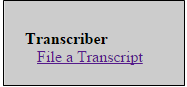
Step 3
Enter the case number; Click [Next]
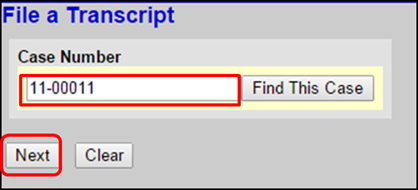
Step 4
Select Redacted Transcript; Click [Next]
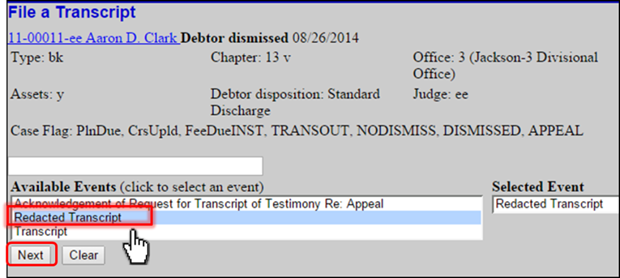
Step 5
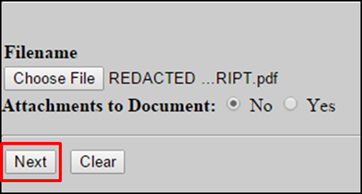
Click Browse to upload the Transcript PDF file.
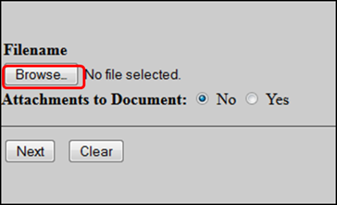
Click [Next]
Step 6
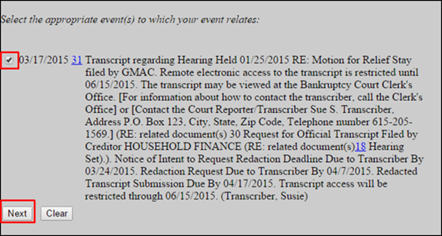
Check the box next to the original transcript; Click [Next]
Step 7
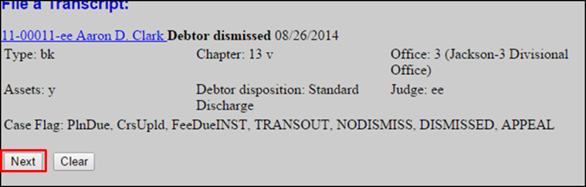
Click [Next]
Step 8
Review docket text for accuracy; Click [Next]
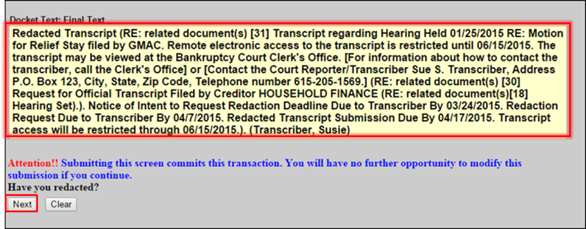
Step 9
Notice of Electronic Filing (filing receipt).